Home Security System Price Guide Singapore: Cameras, Alarms & Locks (2026)
Prices checked October 2026 against the published price lists of 526 contractors listed on Homees, MOM's 2025 wage data and Qanvast's 2026 report. How we price →
Singapore is safe — but the peace of mind of seeing your home from your phone, or knowing the door locks itself, is worth a lot. In 2026, home security in Singapore ranges from **S$20–S$200 for a DIY plug-in camera**, **S$150–S$500 for a digital lock**, to **S$500–S$1,200+ for a professionally installed alarm or multi-camera CCTV system**.Here's what each option costs and how to choose for your home.
Quick answer: A single Wi-Fi camera can cost as little as S$20–S$200 (DIY). Digital locks run S$150–S$500 installed. A full alarm or CCTV system with professional installation is S$500–S$1,200+.
Home security prices
| Option | Typical price (2026) | Notes |
|---|---|---|
| Wi-Fi / plug-in camera (DIY) | S$20 – S$200 | Indoor/outdoor; self-install, cloud or SD storage |
| Multi-camera CCTV system (installed) | S$500 – S$1,200+ | DVR/NVR, wiring, professional install |
| Digital door lock | S$150 – S$500 | PIN/fingerprint/app; fitting included by most |
| Alarm system (sensors + siren) | S$300 – S$1,000 | Door/window/motion sensors, keypad, monitoring |
| Smart sensors (door/motion/leak) | S$20 – S$90 each | Add-ons to a smart-home hub |
| Video doorbell | S$80 – S$300 | Wi-Fi; see who's at the gate |
Indicative 2026 ranges. DIY smart devices are cheapest; hard-wired CCTV and monitored alarms cost more but offer more coverage.
DIY smart device vs professional system
- DIY smart devices (Wi-Fi cameras, video doorbells, smart sensors) — cheapest, easy to self-install, app-controlled, expandable. Best for HDB flats and renters. The trade-off: they rely on your Wi-Fi and cloud subscriptions, and aren't professionally monitored.
- Professional CCTV / alarm systems — hard-wired, more reliable, wider coverage, optional 24/7 monitoring. Best for landed homes or anyone wanting serious coverage. Costs more and needs installation.
Most HDB and condo owners do well with a couple of good Wi-Fi cameras plus a digital lock; landed homes lean toward a wired multi-camera system.
What affects the price
- Number of cameras / sensors — more coverage, more cost.
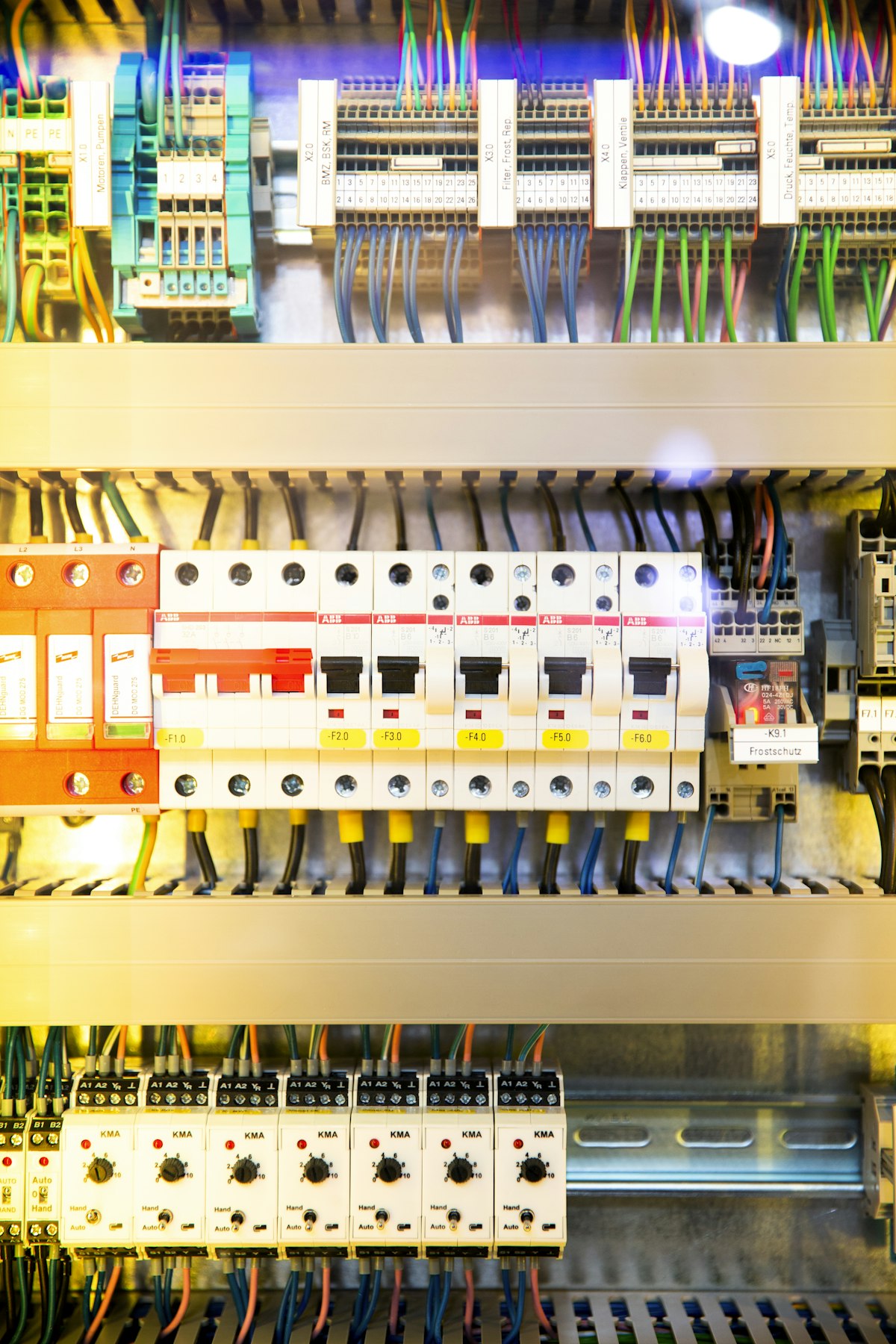
- Wired vs wireless — wired CCTV is more reliable but needs installation and cabling.
- Storage & subscription — local SD/NVR is one-off; cloud storage is a recurring fee.
- Smart features — facial recognition, app alerts, 2-way audio, monitoring add cost.
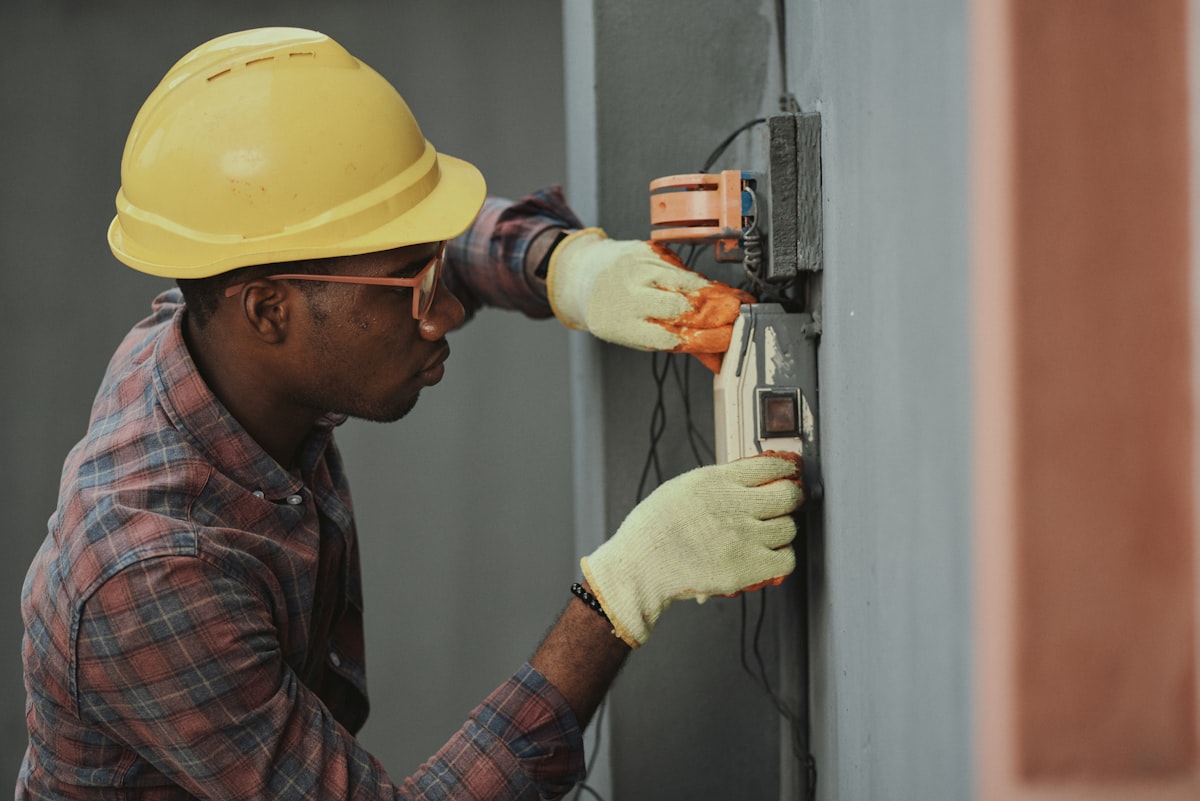
- Installation — DIY is free; professional CCTV/alarm install and any new power points add labour. For a new camera or doorbell point, a licensed electrician can help — see electrical services.
- Digital lock brand & type — fingerprint + app models cost more than basic PIN locks. See locksmith services.
How to choose
- Start with the entry points — front door (digital lock + camera/doorbell) covers the highest-risk spot.
- HDB/condo: DIY Wi-Fi cameras + a digital lock are usually enough and renter-friendly.
- Landed: consider a wired multi-camera CCTV system with proper coverage of gates and perimeter.
- Check storage costs — avoid surprise monthly cloud fees; SD/NVR can be cheaper long-term.
- Mind privacy — point cameras at your own property, not neighbours' or common corridors.
Compare vetted installers for cameras, locks and wiring on Homees, or browse electrical and locksmith/door services.
Rules to know before you install
Security tech is easy to buy and easy to install wrongly — legally wrongly, in some cases:
- HDB corridor cameras need approval. A camera covering the common corridor outside your flat requires permission (HDB/town council) — pointing a lens at shared space without it invites a take-down order after a neighbour complains. Cameras wholly within your unit or aimed at your own door recess are the safe zone.
- Mind PDPA courtesy. Even where allowed, angle cameras to minimise capture of neighbours' doorways; disputes usually start with a lens that watches someone else's comings and goings.
- Fire-rated doors keep their rating. Digital lock installation on an HDB fire-rated main door must not compromise the door — use installers familiar with SCDF-compliant fitting; drilling beyond the approved cut-outs can void the door's fire rating.
- Condos: anything visible outside your unit (cameras, video doorbells on the common corridor) typically needs MCST approval first.
- Rented homes: stick to no-drill options (adhesive mounts, wedge alarms, standalone cameras) unless the landlord agrees in writing.
Five minutes of checking beats reinstalling — or un-installing on order.
The monthly bill: subscriptions and upkeep
The hardware price is not the finish line:
| Ongoing cost | Typical amount |
|---|---|
| Camera cloud storage (per cam) | S$3 – S$15 /month |
| Multi-cam cloud plans | S$10 – S$30 /month |
| Professional alarm monitoring | S$30 – S$80 /month |
| Digital lock batteries | S$10 – S$30 /year |
| Camera SD cards (local storage) | S$15 – S$40 once, replace every 2–3 years |
The subscription-free path: cameras that record to a local SD card or a home NAS cost nothing monthly and keep footage in your hands — the trade-off is no off-site backup if the camera itself is stolen or damaged. A sensible hybrid for most homes: local storage on all cameras, cloud on the one covering the main entrance.
Whatever you choose, put a recurring reminder to test it quarterly — flat lock batteries and full SD cards are always discovered the week after you needed the footage.
FAQ
How much does a home security system cost in Singapore? From S$20–S$200 for a DIY Wi-Fi camera, S$150–S$500 for a digital lock, and S$500–S$1,200+ for a professionally installed alarm or multi-camera CCTV system.
Is a DIY camera or a professional system better? DIY Wi-Fi cameras are cheap, easy and great for HDB/condo. Professional wired CCTV/alarm systems offer wider, more reliable coverage and optional monitoring — better for landed homes.
How much is a digital door lock? Around S$150–S$500 installed, depending on whether it offers PIN, fingerprint and app access.
Do home security cameras need a subscription? Only if you use cloud storage. Local SD-card or NVR storage avoids recurring fees, though cloud adds convenience and off-site backup.
Do I need an electrician to install a camera? DIY Wi-Fi cameras plug in themselves. Hard-wired CCTV or a new camera/doorbell power point should be done by a licensed electrician.
Can I put a camera in my HDB corridor? There are rules on filming common areas — generally point cameras at your own unit/entrance and check HDB/town council guidelines before installing in shared spaces.
Prices are indicative 2026 market ranges and vary by devices, wiring, storage and installation. Find vetted installers on Homees.